


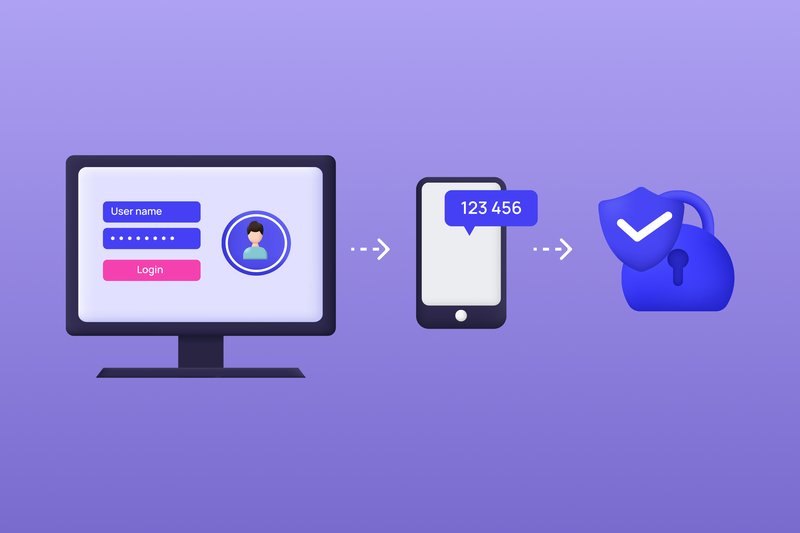
Self-service print kiosk for copy services, libraries and campuses
A self-service print kiosk is a copy service that runs on its own: the user arrives with a badge, a USB stick or an order placed from a phone, prints, pays and leaves. Every page is counted on the machine and passed to the till. The staff stay available for the jobs that deserve them.
KERN-IT has designed and operated this kind of kiosk for more than ten years for the copy service of a university cooperative, across several sites, with hundreds of students a day. We turned it into a complete chain, from the kiosk to the till, that we install for copy services, libraries, campuses and print shops.
The user journey
1. Identify
Student card, badge, online account or an anonymous session paid at the kiosk. The journey adapts to the place.
2. Bring the document
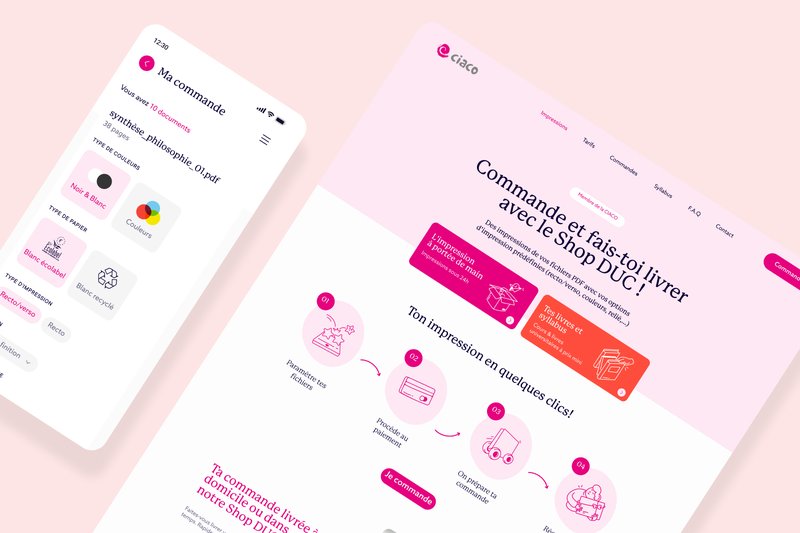
USB stick read in an isolated space, print list prepared on the portal (syllabi, course notes) or file sent from the phone through the online shop.
3. Choose
Preview, duplex, colour, number of copies, paper. Three to five screens, no more: every extra option costs queue time.
4. Pay and print
Card payment at the kiosk, on account or online; the job goes to the copier, the pages produced are counted and the amount reaches the till.
What the operator sees
Counting tied to the till
A unit connected to each copier reads the pages actually produced and passes the amount. No more gaps between what leaves the machines and what is cashed.
A fleet supervised remotely
Which kiosk is on, which one has an empty tray, which one has gone silent: everything is visible from a central station. Remote updates and reboots, replacement of a failed kiosk from a recipe.
Screens above the kiosks
Instructions, paper type, prices, QR code to the shop: visuals generated from a template and pushed to every screen, on every site.
Security first
The public's USB sticks are the first infection vector for a network, and a poorly isolated kiosk endangers the whole shop's IT. Our kiosks open a temporary, sealed-off session for each user: the stick is read in an isolated space, nothing touches the internal network, printing is relayed without exposing the server, and everything is wiped at the end of the session.
The kiosk itself runs in kiosk mode: one full-screen application, no access to the system, a reboot every night into a known state. This security is what makes a truly open access possible, including for hundreds of hurried students during exams.

Frequently asked questions
One. We always start with a pilot kiosk in real conditions, connected to a copier and to your till. It provides the figures (volumes, peak hours, abandoned sessions) to size the fleet.
The usual professional copiers. When the manufacturer exposes its counters, we read them; when it exposes nothing, our unit reads the machine's signals. We validate compatibility on your fleet during the pilot.
No. The kiosk passes each print and its amount to your existing till or management software. If you have none, or if it cannot receive anything, we offer PrintCore, our print shop management platform.
A pilot kiosk with counting and the till link starts at €15,000. A complete copy service (several kiosks, counting, mobile shop, screens, supervision) ranges between €35,000 and €80,000 depending on the number of sites and integrations. See our price ranges.
A pilot kiosk is in service within 6 to 10 weeks. The full fleet is then rolled out in stages, site by site, without interrupting the service.
A print kiosk for your copy service?
Describe your premises, your copiers and your till. We install a pilot kiosk, then the fleet.